
Passenger on board
Today · 18:30
Website bookingStandard Sedan Airport pickup
- Philadelphia Airport (PHL)
- Center City, Philadelphia
John Smith
- Fare
- $48.00
- Passengers
- 2
- Bags
- 2
See today’s pickups, spot trips that need a driver, and review changes since the last shift. When a passenger calls, find their reservation by name or reference.
Today · 18:30
Website bookingJohn Smith
Today · 19:05
Your websiteMaria Costa
Tomorrow · 09:15
Staff reservationAlex Morgan

The Certus team uses Livery Network to look up reservations and check upcoming pickups from its staff dispatch workspace.
 First Class Sedan
 Luxury SUV
 Executive Crossover
 Executive Van
 Executive Sprinter Van
 Luxury Limo Sprinter
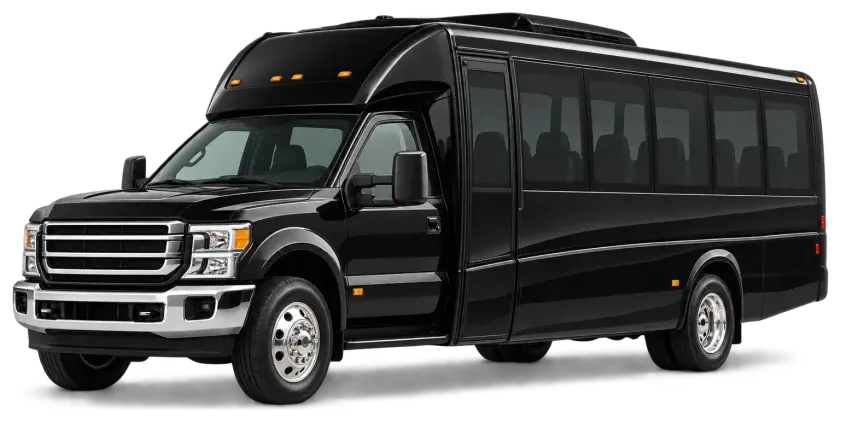 Executive Minibus
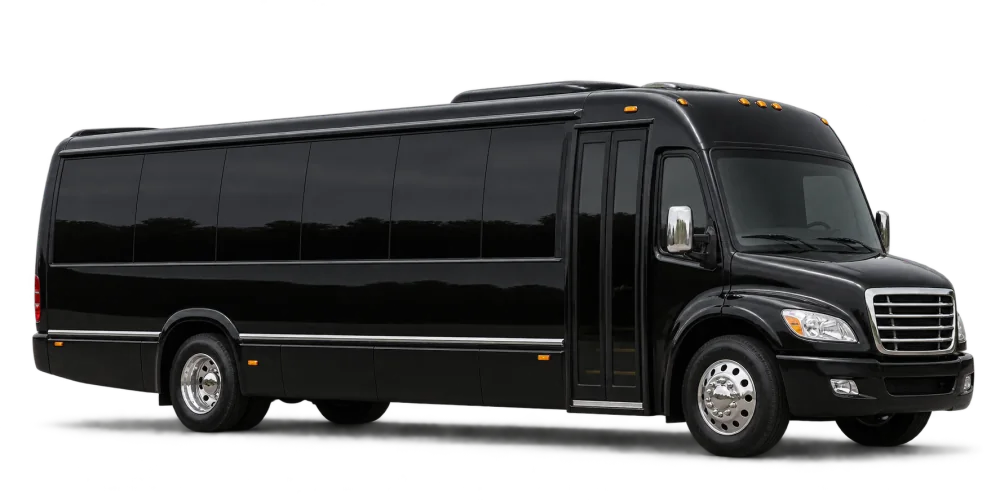 Luxury Limo Bus
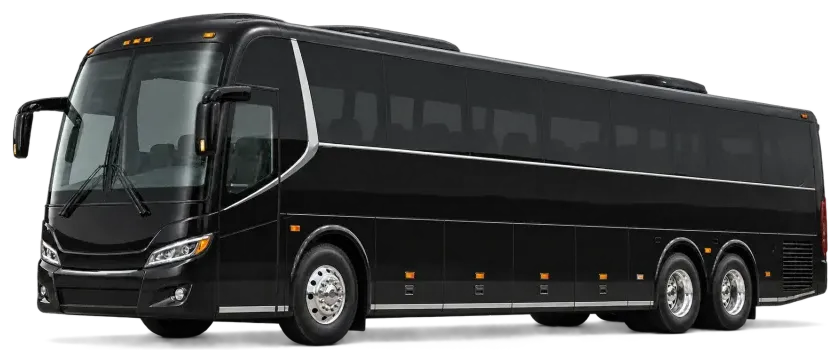 Executive Motorcoach

Find a booking by passenger name or reservation reference.

See today’s pickups in order or check upcoming trips.
Review requests to reschedule or cancel a booked trip.
Can you move my 6:30 pickup to 7:30?
Philadelphia Airport, arrivals.
New pickup address in the previous email.
Standard Sedan · 2 passengers.
Round trip from Old City.
Look up the vehicle class, passenger count, and luggage before the chauffeur leaves.
View a reservationCheck the fare on the booking before you discuss a change with the passenger.
Philadelphia Airport to Center City
Old City to University City
Center City to Philadelphia Airport
Center City to Philadelphia Airport
Philadelphia Airport to Center City
Philadelphia Airport to Old City
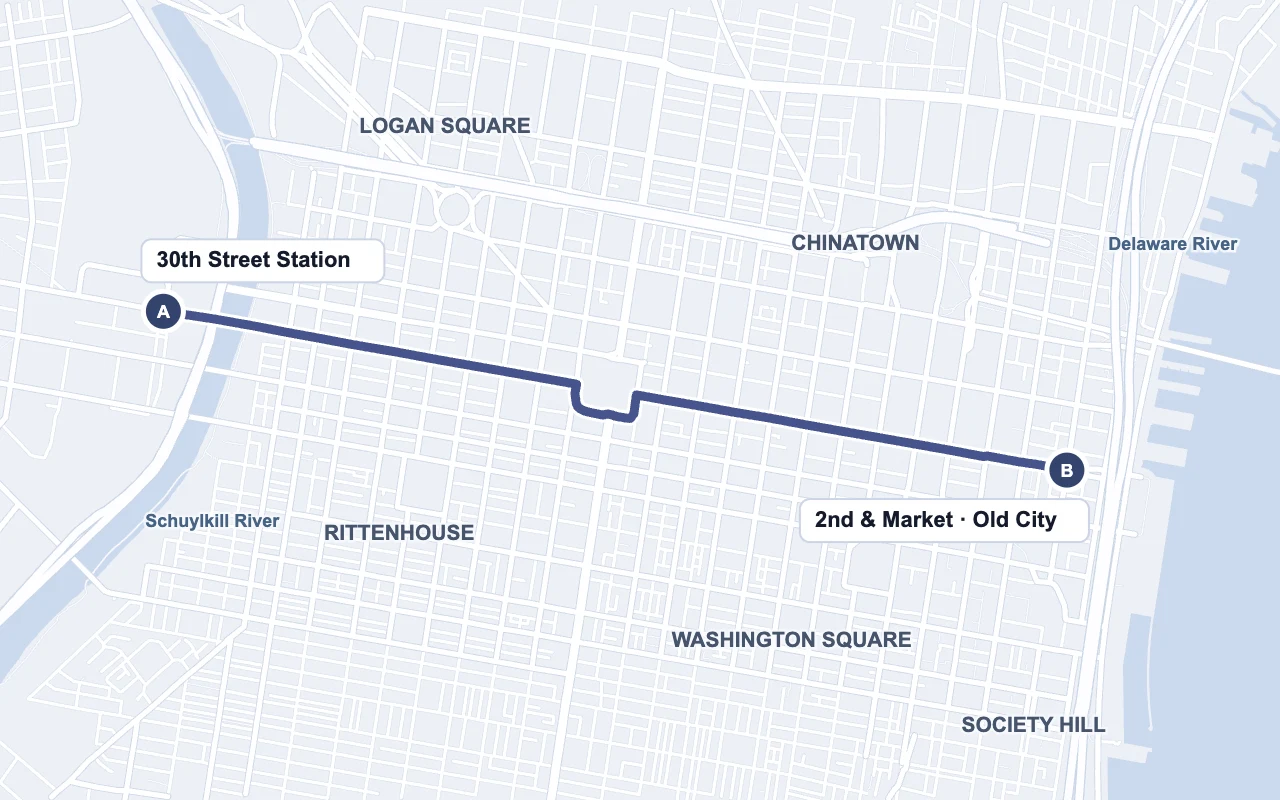
30th Street Station to Center City
Find a reservation by passenger name or booking reference. Open it to check the pickup time, route, booked vehicle, passenger count, and notes.
If the passenger asks for a later pickup or an extra stop, compare the request with the confirmed booking before you respond.
Reservation LN-1038
Today · 18:30 Standard Sedan · 2 passengers

Check whether the passenger asked for curbside pickup or a meet-and-greet.
Find a trip when an executive assistant calls with the booking reference.
Check the passenger count against the vehicle booked for each departure.
Check the return pickup time on the original reservation.
Compare a new stop request with the confirmed route before you respond.
Send a ride request if you need another operator in a city you don’t cover.
Leave a note if the next dispatcher needs to call a passenger back.
Tell us where you need a pickup, what kind of trip it is, and when you need a car.
Request ridesTell us where you operate, what vehicles you run, and which trips you can cover.
Apply to provide ridesWe can use a trip from your schedule to show what your dispatcher would see.
Request a demoStandard Sedan · 2 passengers
Tell us your fleet size and what you need from the dispatch software.
Open the staff workspace in your browser on a phone, tablet, or computer.
Yes. Select Upcoming on the dispatch board.
Yes. Choose one vehicle in the network application.
You can send a ride request without signing in.
We’ll contact you to set a time.
Walk through pickup schedules, reservations, and trip changes with us.
Request a demo
We use analytics to measure how visitors use this site.